Most “PDF compressor” articles tell you compression works. We wanted numbers. So on 6 November 2026 we ran five different PDFs through the PDF Pocket Compress PDF tool at all three levels, measured every result, and opened each file to check it was still readable.
Short version: files with photos or scans shrank by 89% to 99% on the Recommended setting. A text-only report barely changed. Below is what we tested, what came out, and which setting to pick for common upload limits.
The five test files
We built each file to match a document people regularly need to shrink:
- Text report, 12 pages. Plain text with headings, the kind of file Word or Google Docs exports.
- CV with a profile photo, 2 pages. Text plus one photo stored at 2000 x 2000 pixels, which is common when people drop a phone photo straight into a CV template.
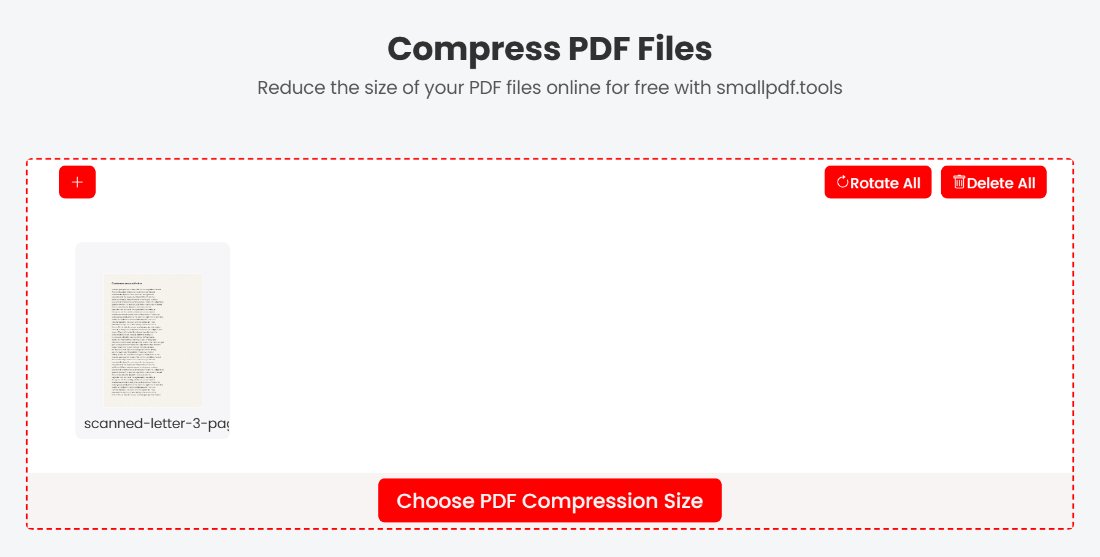
- Scanned letter in colour, 3 pages. Full A4 pages scanned at 300 dpi, with paper texture and a coloured stamp.
- Scanned form in grayscale, 8 pages. The same kind of scan in grey, like a multi-page application form.
- Photo brochure, 4 pages. A large photo on each page with a short block of text underneath.
Each file went through the tool three times, once per level: Less compression, Recommended Compression and Extreme Compression.
Results
| File | Original | Less | Recommended | Extreme |
|---|---|---|---|---|
| Text report, 12 pages | 29 KB | 25 KB (-14%) | 25 KB (-14%) | 25 KB (-14%) |
| CV with photo, 2 pages | 1,858 KB | 48 KB (-97%) | 16 KB (-99%) | 11 KB (-99%) |
| Scanned letter, colour, 3 pages | 5,982 KB | 3,304 KB (-45%) | 646 KB (-89%) | 201 KB (-97%) |
| Scanned form, grayscale, 8 pages | 14,819 KB | 6,862 KB (-54%) | 1,303 KB (-91%) | 500 KB (-97%) |
| Photo brochure, 4 pages | 6,807 KB | 1,874 KB (-72%) | 284 KB (-96%) | 93 KB (-99%) |
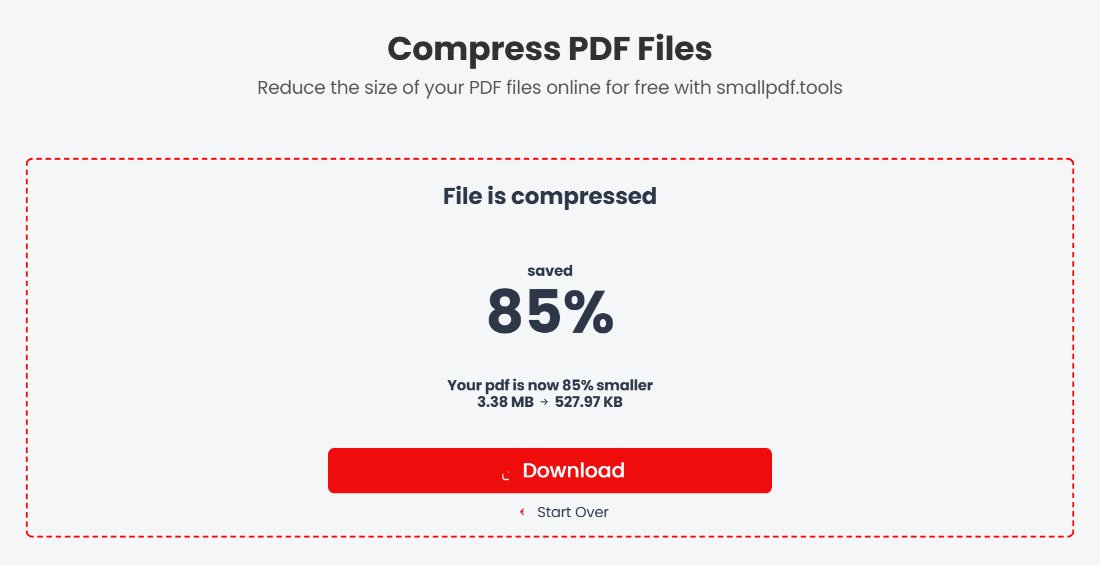
We repeated the scanned letter test in an ordinary Chrome browser with a fresh 3.38 MB scan. Recommended took it to 528 KB, an 85% saving, close to the result in the table.
What the numbers tell you
Images are where the savings are
Every file with photos or scans lost most of its size. The text report lost only 4 KB, because text is already stored efficiently. If your PDF is mostly words and still large, look for a hidden culprit such as a big logo, a background image or embedded fonts.
Recommended is the right default
Recommended cut every image-based file by 89% or more. When we zoomed into the scanned letter, the text was as clear as the original. Less compression keeps more detail but saved only 45% to 72% on scans and photos, so it suits files you plan to print.
Extreme is readable, with visible softening
At Extreme, the scanned letter shrank from about 6 MB to 201 KB and every line was still readable. Up close, letters had slightly fuzzy edges. That is fine for an upload portal and less ideal for a document someone will print and sign.
The size estimate is a rough guide
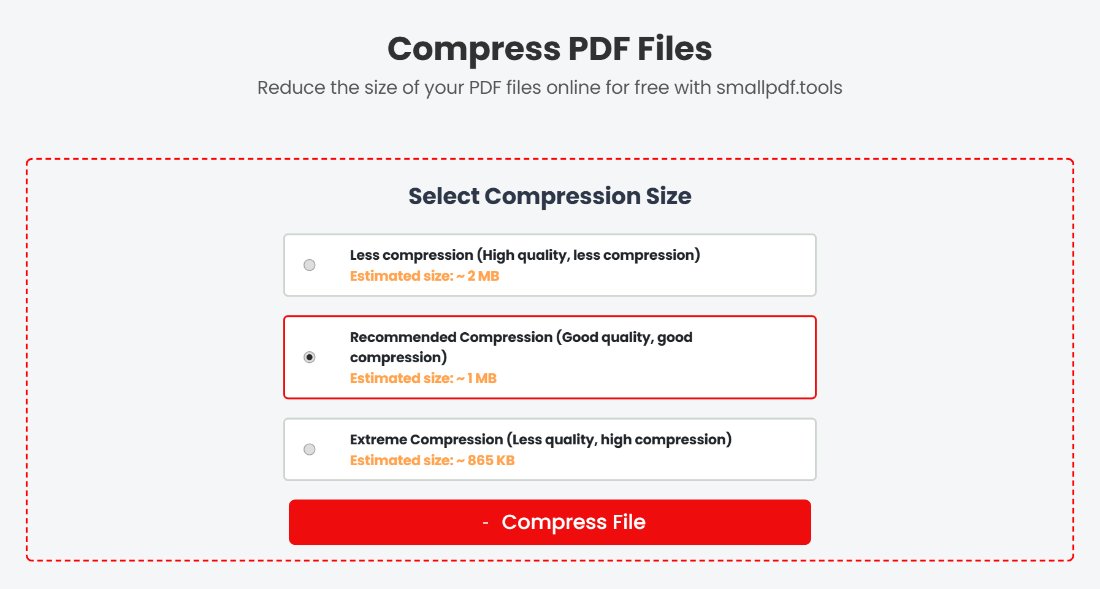
Before you compress, the tool shows an estimated size for each level. For image-heavy files the real result was usually much smaller than the estimate. On the photo brochure, Recommended estimated about 3 MB and produced 284 KB. For the text-only report it went the other way: the estimate was 13 KB and the real file was 25 KB. Always check the size of the file you download.
Which setting to use for common limits
- Email (25 MB at Gmail, Outlook.com and Yahoo): Less compression is usually enough. See our email attachment size limits guide for each provider.
- University and job portals (often 2 MB): Recommended. In our test it took a 15 MB, 8-page scan to 1.3 MB. More tips on the compress PDF to 2MB page.
- Application forms (500 KB or 200 KB): Recommended for most files, Extreme for multi-page scans. See 500KB and 200KB.
- Strict 100 KB limits: Extreme, plus removing any pages the form doesn’t need. Our 3-page colour scan landed at 201 KB, so a single page fits comfortably. Step by step on compress PDF to 100KB.
How we tested
We created the five files ourselves so we could share exactly what went in. Each run used the live tool at smallpdf.tools: upload, choose a level, compress, download. We measured the downloaded file size and opened every result to check page count, text and image quality. Text in the CV and report stayed as real, selectable text at every level. Uploaded files are deleted from the server one hour after processing.
Got a file that compressed badly, or a result that surprised you? Tell us and we will add it to the next round of tests.